Rewave

Audio Joiner

Select several files and get one back, in the order you chose them. Mismatched sample rates and channel counts are sorted out for you, and nothing is uploaded.

  • As many files as you like
  • Optional crossfade
  • Mixed formats and rates handled
  • Nothing is uploaded

What it does

Several files in, one file out

Joining audio sounds trivial and mostly is, until the files disagree with each other. One is 48kHz because it came out of a video editor, another is 44.1kHz because it came off a CD rip, a third is mono because it was recorded on a phone. Append those naively and one section plays at the wrong speed while another comes out of a single speaker.

This resamples everything to the highest rate present and places mono material across both channels before joining, so the result is consistent from end to end. The files are combined in the order you selected them, and the whole operation happens in your browser — no upload, no queue, no account.

There is also a crossfade control. Set it to zero for a hard cut between sections, which is what you want when the material is already edited; give it a second or two when you are running tracks together and would rather not hear the seam.

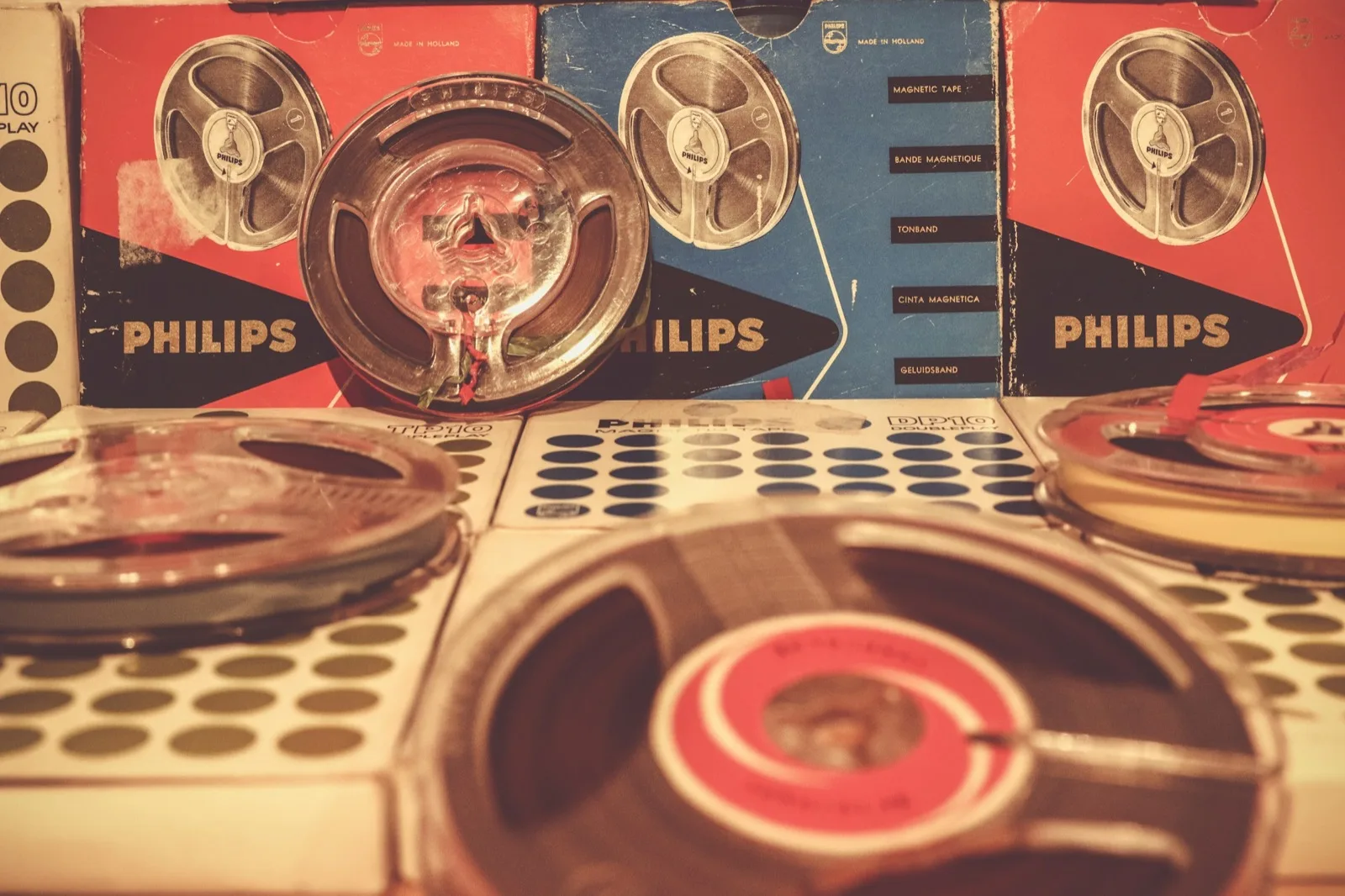
Several film reels resting together on a table

How it works

How to merge audio files

Select, set the crossfade, download.

  1. 01

    Choose all the files at once

    Multi-select in the file picker. They are joined in the order you pick them, so select them in the order you want to hear them.

  2. 02

    Decide whether they should overlap

    Leave the crossfade at zero to butt them together exactly, or dial in a second or two to blend each transition.

  3. 03

    Download the merged file

    Play it through first, then take it as a WAV or an MP3.

What you get

What a reliable audio file joiner has to handle

Mismatched sample rates, fixed rather than ignored

This is where naive joiners fall over. Everything is brought to a common rate before the files are combined, so no section ends up playing fast or slow.

44.1k + 48knaively appended, one plays at the wrong speed
Hereeverything is resampled to the highest rate first
Mono + stereomono is placed on both sides, not just the left

Crossfades between files, not just at the ends

Each junction can overlap by as much as five seconds, with matched fade curves so the level stays even through the transition instead of dipping in the middle.

nonea hard cut between tracks
0.5ssmooths the seam, keeps the edit tight
2sa mix, not a join
5sone track dissolves into the next

An MP3 joiner that accepts anything else too

You do not need to convert the inputs to the same format first. MP3, WAV, FLAC, M4A, OGG and video files can all go into the same merge.

voice memo.m4a
backing.wav
intro.mp3
outro.flac

Nothing is uploaded

Every other online joiner sends your files to a server and sends one back. This runs in the page, which means no waiting on a queue and no copies of your recordings sitting anywhere.

No upload
No account
No queue
No watermark

Who uses it

What gets joined

A continuous mix

Run tracks together with a crossfade for a party, a workout or a set you want to play unattended.

Podcast assembly

Intro, the recorded conversation, the ad read, the outro — four files, one export.

Audiobook and lecture chapters

Stitch a recording that was captured in sessions back into a single file for the drive.

Dance and routine edits

Cut sections out of several songs, then join them into one track in the order the routine needs.

Repairing a split recording

Recorders often break a long take into fixed-size files. Joining them puts the take back together.

Layered voice memos

Line up a series of takes end to end so you can listen through them in one pass.

FAQ

Audio joiner questions

The order you selected them in the file picker. If that is not the order you wanted, clear the selection and pick them again — it is quicker than dragging rows around.

Yes. Everything is decoded first, so an MP3, a WAV and an M4A can be joined without converting anything beforehand. Sample rates are unified to the highest one present, and mono sources are placed across both channels so nothing plays out of one side only.

It overlaps the end of one file with the start of the next, fading one down as the other comes up. Zero gives you an exact butt join with no overlap. Anything above about two seconds stops sounding like an edit and starts sounding like a DJ mix.

The join itself does not — the audio is combined as decoded samples. What costs a little is the final encoding: export as WAV and there is no further loss, export as MP3 and you are re-encoding once. From MP3 sources, 256kbps or higher keeps that inaudible.

There is no fixed limit. The real ceiling is total length — everything is held in memory while it is combined, so a dozen full-length songs will strain a phone long before it troubles a laptop.

No. They are read from your device, joined in the page and handed back to you as a download. Nothing is transmitted at any point.

Not in this page — cut each piece first with the audio cutter, then bring the results here. That two-step is how most medleys and routine edits get made.

None. With crossfade at zero the next file starts on the sample after the previous one ends. If you want silence between sections, that has to come from the files themselves.

Yes — no account, no credits, no watermark and no limit on how many times you use it.

Yes. Video files are decoded for their audio track, so you can merge the sound from several clips into one continuous audio file.

Join them into one

Select your files, set the crossfade, download a single track.