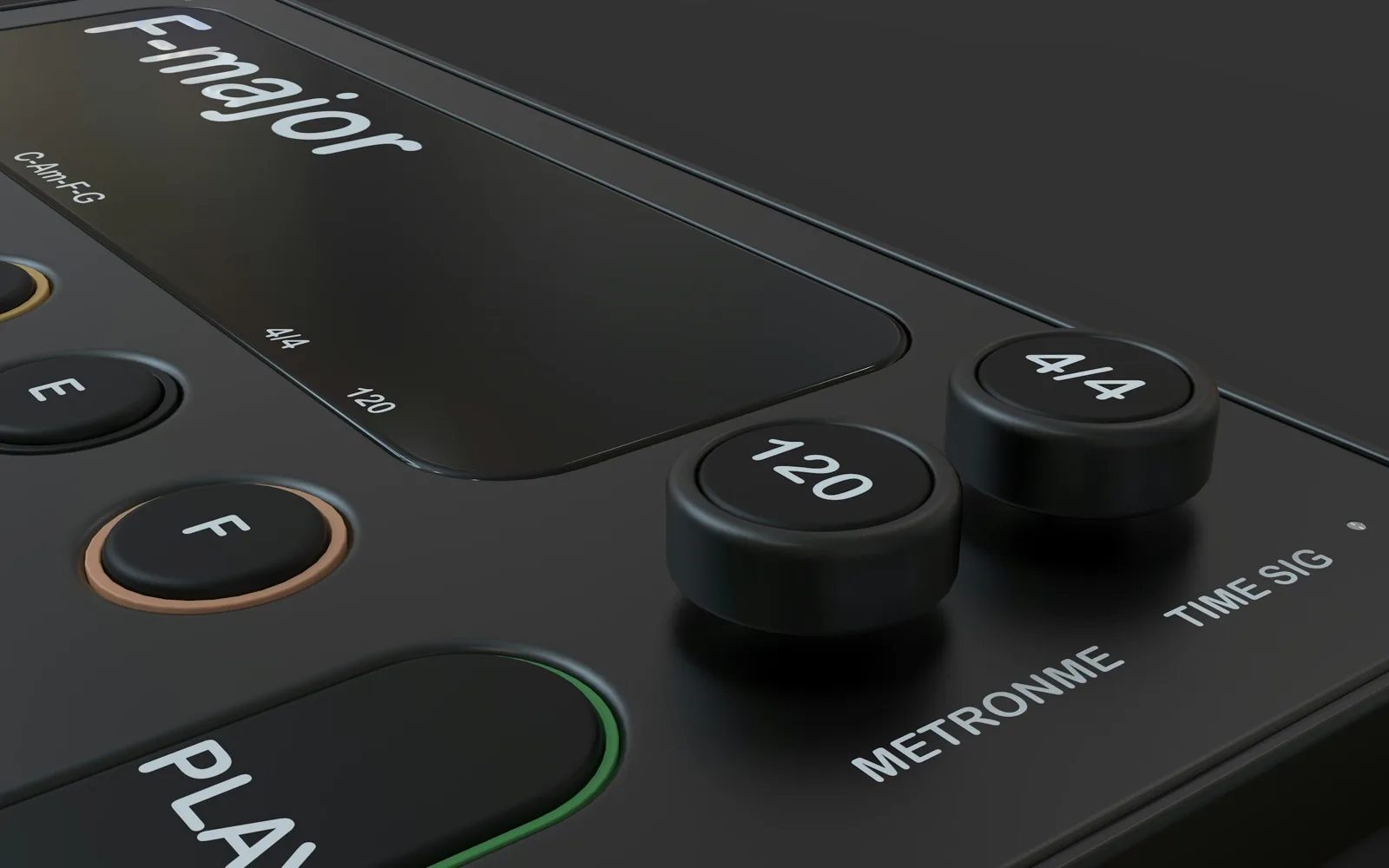
Measure the tempo of any audio file to one decimal place, with the key alongside it. The file is read by your browser and never uploaded.
What it does
Most BPM sites are catalogues: you search a title and get whatever tempo somebody entered for that release. Convenient for a chart single, useless for your own bounce, a live version, an edit, or anything not in the database — and quietly wrong when the version you have is not the version they listed.
This measures the file. The track is cut into short frames, the moments where something gets suddenly louder are picked out, and that pattern of accents is compared against itself at every plausible spacing. The spacing that lines up best is the beat, and the tempo falls out of it — one number, one decimal place, from your actual audio.
It also reports the key, because almost everyone who wants the BPM wants that too. And it tells you the half-time and double-time readings, which is the one thing tempo detection genuinely cannot resolve on its own: a track at 140 with a slow backbeat is mathematically identical to one at 70 with busy hats. Your ear settles that in a second; an algorithm cannot.

How it works
Choose a file, read the number. A few seconds, no sign-in.
MP3, WAV, FLAC, M4A or a video file. It is decoded in the page and stays on your device.
The whole track is analysed rather than a sample of it, so a tempo that only settles after the intro still comes out right.
You get the BPM, a confidence score, the half-time and double-time readings, and the key from the same pass.
What you get
Every tempo detector faces this ambiguity and most quietly pick one. Both readings are listed, because which one is "the" tempo is a musical judgement rather than a measurement.
A tap tempo tool measures your reaction time as much as the music, and lands within a couple of BPM at best. Measuring the waveform gives the same answer every time, to a decimal.
Your own mix, an unreleased edit, a rehearsal recording, a track with no metadata at all. Nothing needs to exist in a catalogue for this to work.
The analysis runs in your browser. There is no account, no credit cost and no cap on how many tracks you check — and the audio never reaches a server.
Who uses it
Knowing every track’s tempo before you play it is what makes a transition planned rather than lucky.
Get the BPM of the reference or the sample first, then start the session at that number so nothing has to be stretched later.
Cadence is tempo. Sorting tracks by BPM is the difference between a playlist that carries you and one that fights you.
Cut on the beat by working out the frame interval from the BPM instead of nudging clips by eye.
Set the metronome to the recording rather than to a round number somebody assumed.
Run your exports through and write the tempo into the filename, so you never have to work it out twice.
FAQ
Choose the file here and read the number — that is the whole process. The manual alternative is to count beats for fifteen seconds and multiply by four, which gets you within a few BPM and is fine for practice but not for setting a project tempo.
Because the music genuinely supports more than one reading. A half-time feel at 140 has exactly the same beat spacing as a straight groove at 70 — the algorithm sees the same pattern either way. The main number is the best fit; the alternatives are the same tempo halved and doubled. Whichever one you would count along to is the right one.
On music with a steady programmed or played beat, it lands on the true tempo and reports it to one decimal place. It struggles where you would expect: rubato performances, ambient tracks with no pulse, solo voice, and live recordings that drift. The confidence score is the honest signal — under about 35% means take the number with real suspicion.
For a file, yes — tap tempo measures your timing as much as the track, and averages out to a couple of BPM of error. Tapping still wins in one situation: when you have no file, just something playing in the room.
Not by pasting a link — this reads a file on your device, and downloading from either platform breaks their terms. If you have the audio legitimately, it analyses it like anything else. Spotify does expose a tempo value in its own developer data, which is where most "Spotify BPM" sites get their numbers.
It reports one decimal place, which is enough to tell 127.9 from 128 — the distinction that matters when you are looping something over a long stretch. A live recording that drifts does not have one exact tempo to find in the first place; you get the average.
Yes, from the same analysis, shown underneath the tempo. If the key is what you actually came for, the song key finder leads with it and explains the relative major and minor properly.
No. It is decoded and measured inside this page. Nothing is transmitted, nothing is stored, and there is no account attached to any of it.
MP3, WAV, FLAC, M4A, AAC, OGG and the audio inside video files — anything your browser can decode. Up to roughly 100MB; the ceiling is your device’s memory rather than a rule we set.
Yes. No account, no credits, no limit on how many files you run. Your browser does the work, so there is nothing for us to charge for.