Audio Speed Changer
Slow a recording down to work it out, or speed it up to get through it — with the pitch held steady, so nothing sounds like a chipmunk unless you want it to.
What it does
A file at a different speed, not just a playback setting
Most players have a speed control, and for listening that is usually enough. It stops being enough the moment you need the result as a file — to send to a student, to put under a video, to load into an app that plays at one speed, or to keep for the twentieth time you practise the same passage.
This produces the file. Slowing to 0.75× or 0.5× makes a fast run playable and a mumbled line intelligible; speeding to 1.25× or 1.5× turns an hour of talking into forty minutes. In both directions the pitch stays exactly where it was by default, so a slowed guitar solo is still in the same key you have to play it in.
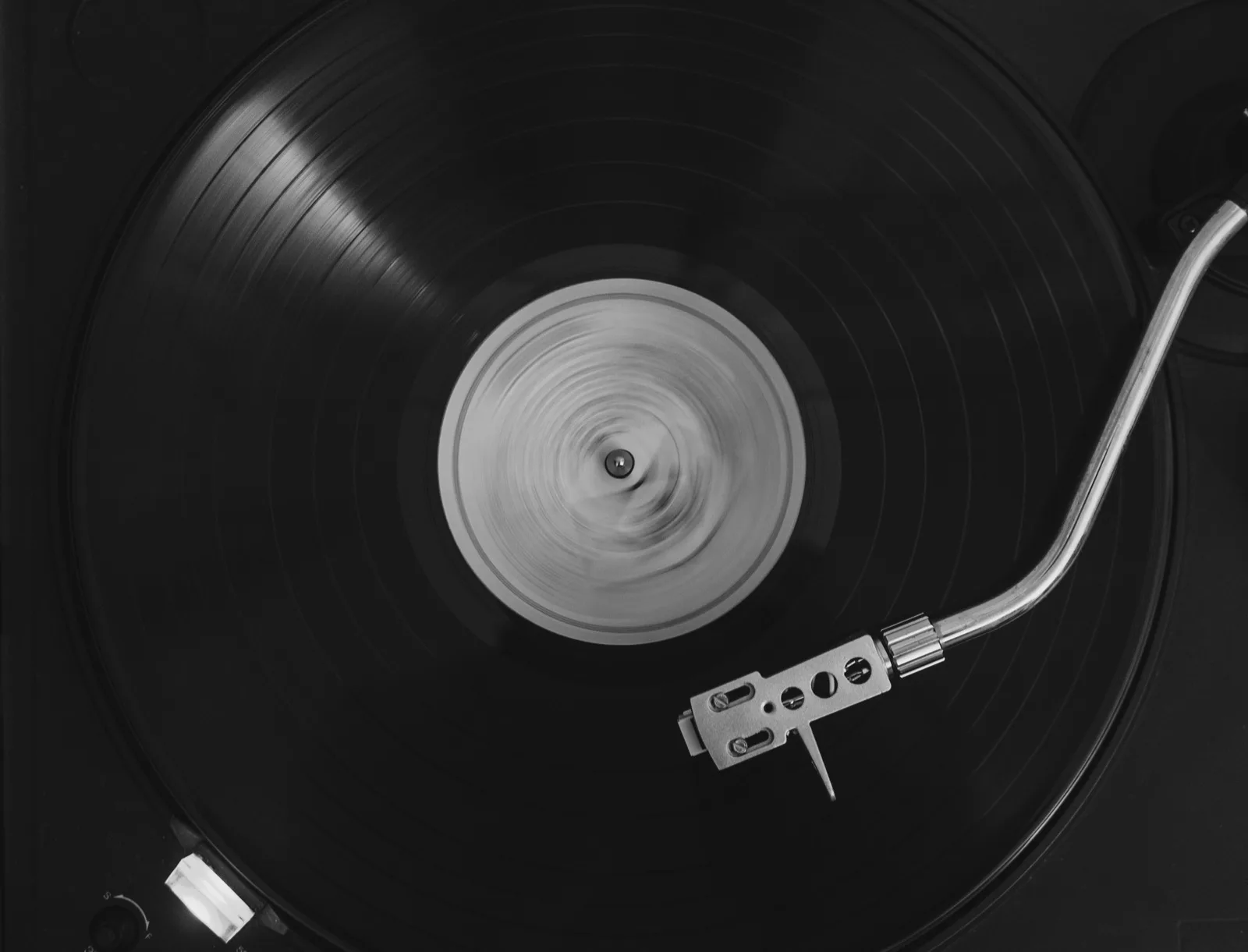
The alternative behaviour is one switch away. Turn pitch preservation off and speed and pitch move together, the way a tape or a record does — slower and lower, or faster and higher. If it is that sound you are after with reverb on top, the slowed and reverb page is set up for it.
How it works
How to speed up or slow down an audio file
Open, drag, download.
- 1
Open the recording
MP3, WAV, FLAC, M4A or a video file. It is read from your device and never uploaded.
- 2
Set the speed
Anywhere from a quarter speed to triple. The new length is shown so you know what you are getting before you commit.
- 3
Choose whether the pitch follows
Leave pitch preservation on for practice and speech. Turn it off for the tape effect.
What you get
What matters in a music speed changer
Slow enough to actually learn something
Half speed is where a fast passage becomes learnable. Because the pitch does not move, you can play along at the pitch you will eventually need, rather than transposing in your head.
Fast enough to save real time
Speech stays intelligible well past 1.5×, and pitch preservation is what makes that true — sped-up audio without it is a cartoon voice within seconds.
Pitch held, or deliberately not
Two different jobs, one switch. Holding the pitch is right for study and for anything with a voice; letting it move is right when the tape sound is what you came for.
- same key
- voices sound normal
- for practice and study
- slower means lower
- faster means higher
- for the effect
An online audio speed changer that gives you the file
Not a player setting that resets when you close the tab — an actual WAV or MP3 you can keep, send and load anywhere. Produced in your browser, with nothing uploaded.
Who uses it
Why people change the speed
Learning a part
Slow the solo to something you can follow, learn it, then step the speed back up as it gets easier.
Transcribing
Lyrics, interviews, a bassline you are trying to write out — half speed makes ambiguous moments obvious.
Getting through lectures and podcasts
A file at 1.5× that you can put on any device, not a playback setting tied to one app.
Fitting audio to a video
Nudge a track a few percent so it lands exactly on a cut, without the pitch shifting audibly.
Dance and routine timing
Rehearse at 80% and perform at 100%, using the same recording in the same key.
Language practice
Native-speed speech slowed to 0.7× is often the difference between hearing words and hearing noise.
FAQ
Speed changer questions
