AI Stem Splitter: pull a song apart by instrument
Upload any track and get clean, individually downloadable stems — up to twelve of them, separated by instrument rather than the usual vocals-and-everything-else pair.
What it does
Twelve stems, not two
A stem is one instrument on its own, lifted out of a finished mix. Most free splitters give you two: a vocal and everything else. That is enough to make a karaoke track and not much else — the moment you want the drums without the bass, or the piano without the guitar, two stems cannot help you.
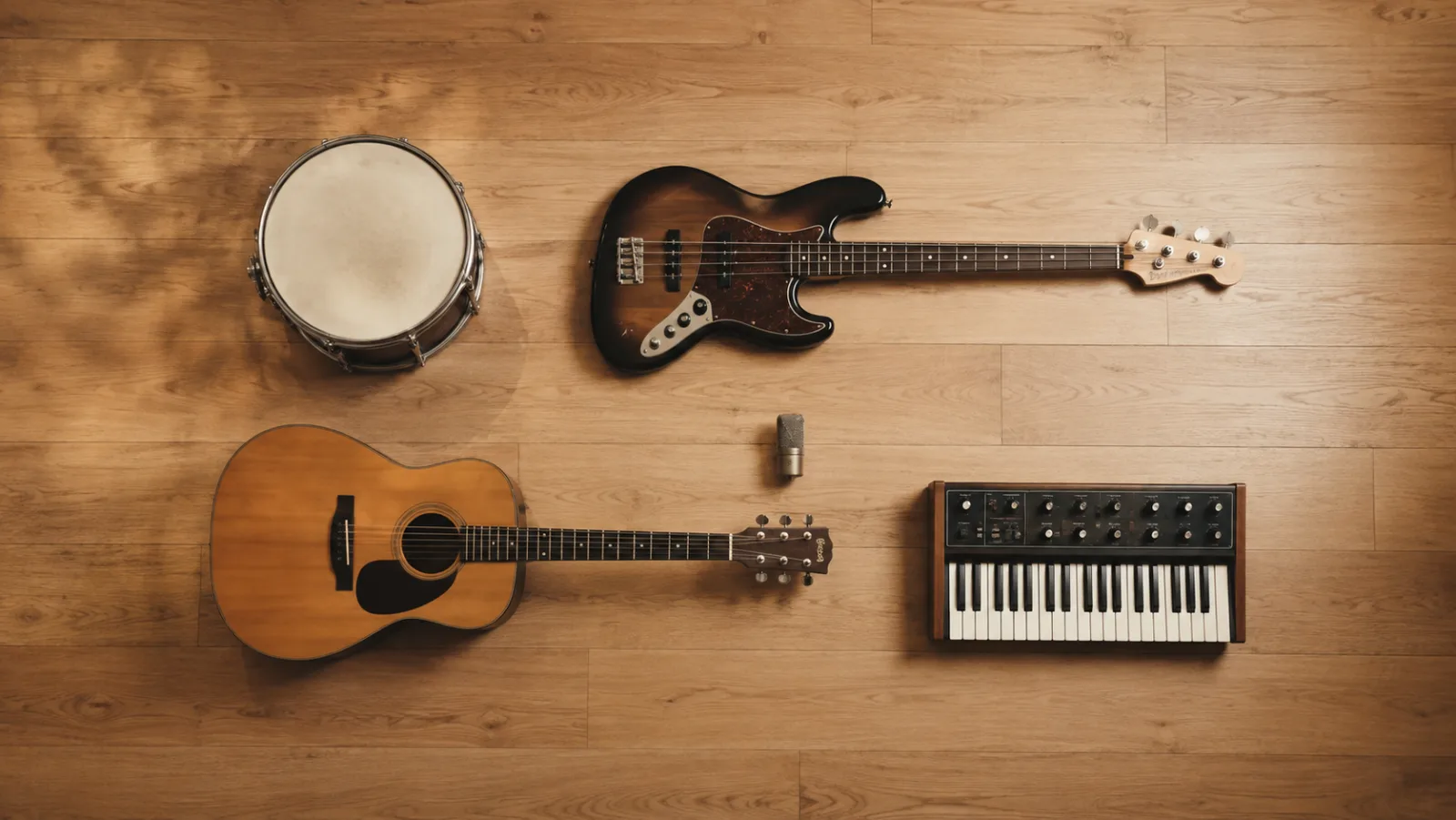
This splitter separates by instrument family. Lead vocal and backing vocals come apart from each other. Drums, bass, guitar, piano, keys, strings, brass, woodwinds, synth and effects each land in their own file. What you actually get depends on what is in the recording — a solo piano piece will not invent a horn section.
If you only need one part, ask for one. Targeting a single stem costs substantially less than a full twelve-way split, which matters when you are pulling drum breaks out of a dozen records.
How it works
How to split stems online
A full split takes around ninety seconds.
- 1
Upload your track
MP3, WAV, FLAC or M4A up to 20MB. Lossless files separate marginally more cleanly, but a decent MP3 is fine.
- 2
The mix is analysed by instrument
Each part is identified and reconstructed as its own audio file. Instruments that are not present simply produce no stem.
- 3
Play and download each stem
Preview every stem in the browser, then download the ones you need individually.
Hear it
One song, taken apart
The same thirty seconds, first as the full mix and then one instrument at a time. Every waveform is drawn to the same scale, so a quieter part really is quieter.
Original mix
98–128s
Vocals
lead vocal stem
Drums
drum kit stem
Bass
bass stem
Synth
synth stem
FX
effects stem
Everything but the vocal
instrumental (2-way split)
What you get
What makes a good AI stem splitter
Up to twelve separate stems
Vocals, backing vocals, drums, bass, guitar, piano, keys, strings, brass, woodwinds, synth and effects — each as its own file, each downloadable on its own.
Split by instrument family
The point is not "remove the singer". It is being able to keep the bassline and drop the guitar, or solo the strings, on a record you only have as a stereo mix.
Not just vocals and instrumental — the mix is broken down by instrument family.
More than the usual two-way split
A vocal-plus-instrumental pair is a special case of this, not the whole product. If two is all you need, that option is cheaper and faster.
- vocals
- everything else
- up to 12 stems
- separated by instrument
Extract drums from a song, or bass, or guitar, on its own
Name the one instrument you want and skip the rest — a drum extractor, a bass isolator or a guitar isolator, depending on what you ask for. Cheaper per run than a full split, and the usual case when you are sampling.
Only need the drums? Ask for one stem and pay well under the full split.
Who uses it
What people do with stems
Remixing
Keep the vocal, rebuild everything underneath it. The starting point every remix needs and almost nobody is given.
Extracting a drum break
Pull the drums out from under the rest of the arrangement as their own file, instead of filtering and hoping the bleed is quiet enough.
Karaoke and backing tracks
Drop the lead vocal and keep the backing vocals, or drop both and keep the band.
Practising an instrument
Mute the part you are learning and play along with the rest of the band.
Studying a mix
Hearing what a producer actually did to the bass in isolation teaches more than any tutorial.
Fixing old recordings
Split a rough live capture and treat each part on its own — you can only EQ what you can isolate.
FAQ
Stem splitter questions
